How to Build a Chatbot That Captures and Qualifies Leads involves choosing a platform, mapping a conversation, asking about need, budget, authority, and timeline, then connecting CRM routing and follow-up. No-code tools can support a basic flow, while a custom chatbot is estimated at $10,000–$50,000 when deeper integrations or specialized requirements call for development.
- A lead-generation chatbot collects information, qualifies leads, and routes them.
- A chatbot can capture leads around the clock, including when a team is offline.
- CRM integration involves configuring an API or native integration, mapping chatbot fields to CRM fields, and testing data flow.
- A basic custom chatbot is estimated to take 4–8 weeks to build, while an advanced chatbot with deep integrations and custom training is estimated at 3–6 months.
- Organizations should adhere to regulations such as GDPR when collecting and storing chatbot data.
What is a lead-qualification chatbot, and how does it differ from a traditional contact form?
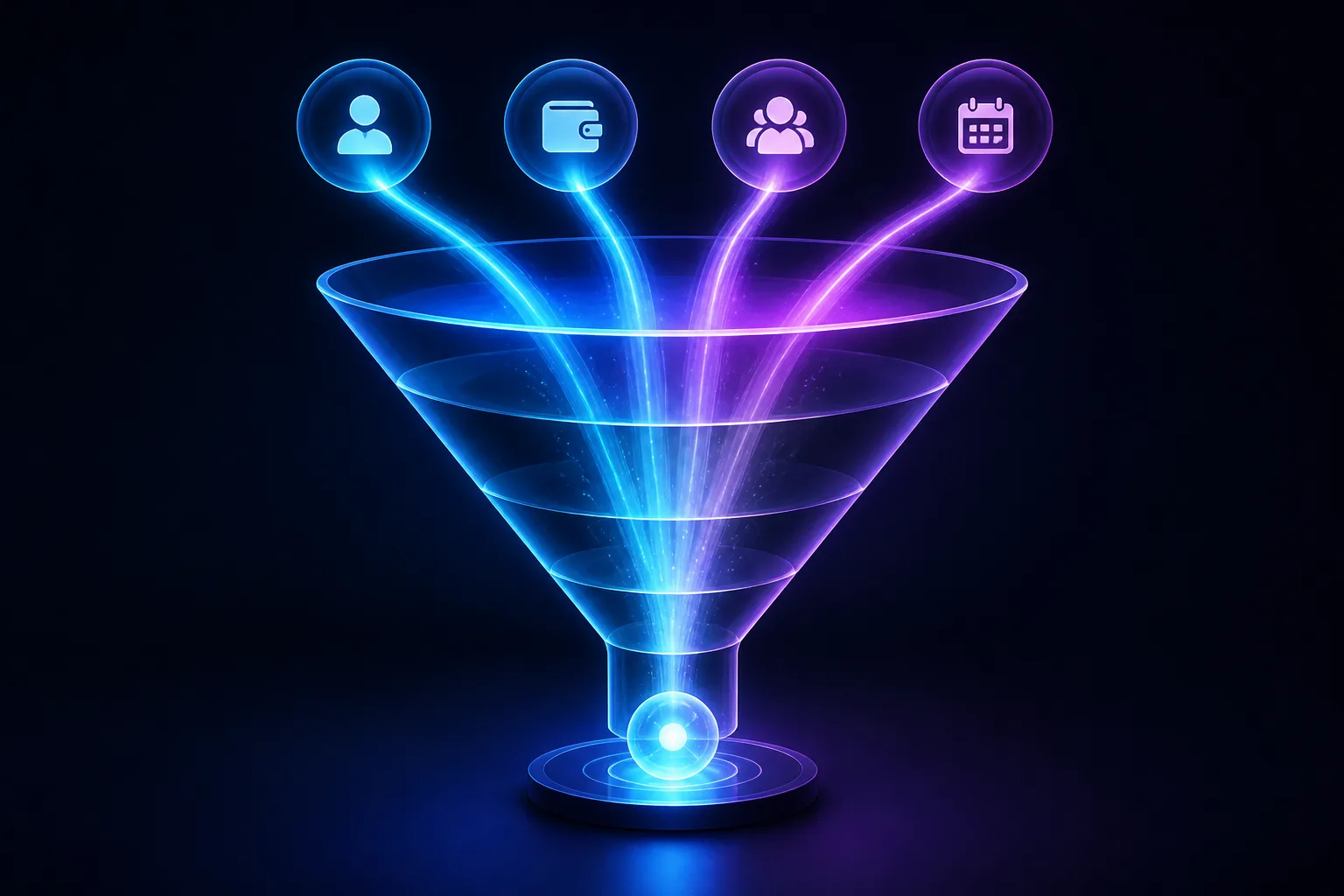
A lead-generation chatbot collects information, qualifies leads, and routes them to the next step. A traditional contact form waits for website visitors to submit information, while a chatbot starts an active, two-way conversation. That difference makes the chatbot part of conversational marketing: it can gather customer information, guide buying decisions, and qualify people inside the sales funnel.
Website visitors can receive instant responses and guidance toward an action such as scheduling a demo, rather than simply seeing a blank form. A chatbot can also capture leads around the clock, including when your team is offline.
How to Build a Chatbot That Captures and Qualifies Leads starts with treating the conversation as a useful interaction, not just a data request. How to Build a Chatbot That Captures and Qualifies Leads also means replacing a static form with personalized conversations where appropriate. For How to Build a Chatbot That Captures and Qualifies Leads, define the handoff from visitor conversation to sales action before writing the prompts.

Which chatbot platform and integrations should you choose based on your website, messaging channels, and CRM?
Chatbot platform selection should reflect business needs, technical expertise, customization, integration capabilities, ease of use, and pricing. A website widget may suit a site-led funnel, while supported channels can include Instagram, WhatsApp, Facebook Messenger, Telegram, Slack, and Discord. ManyChat is described as working on websites, Instagram, and WhatsApp, but no single platform is universally suitable.
Choose CRM or email-list integration so captured leads can enter contacts and follow-up sequences automatically. Configure an API or native integration, map chatbot fields to CRM fields, synchronize the records, and test the data flow. Examples in the ledger include WordPress, Squarespace, Shopify, HubSpot, Salesforce, Pipedrive, Slack, Google Calendar, and email integrations.
How to Build a Chatbot That Captures and Qualifies Leads requires matching channels to your audience. How to Build a Chatbot That Captures and Qualifies Leads should also account for the CRM’s data model. Use How to Build a Chatbot That Captures and Qualifies Leads as a project brief, not as a reason to select one vendor automatically.

What questions should the chatbot ask to assess a lead’s needs, budget, authority, and buying timeline?
A qualification branch can use BANT-based logic to assess buyer intent, budget, authority, and timeline. Start with the prospect’s challenge, budget range, intended decision date, and the person who makes the decision.
Add industry, company size, pain points, and purchase readiness only when those fields fit your sales process and MQL or SQL definitions. Dynamic questioning lets conditional logic ask more questions when an answer needs clarification and fewer when the lead is clearly ready. A B2B flow might request budget and schedule, then send the prospect to sales or continue qualifying.
Keep contact details separate from qualification data: name, email, phone number, and reason for reaching out are contact fields. How to Build a Chatbot That Captures and Qualifies Leads should keep the branch concise. How to Build a Chatbot That Captures and Qualifies Leads should ask only questions that affect routing. Use How to Build a Chatbot That Captures and Qualifies Leads to connect each answer to a defined next action.

How to Build a Chatbot That Captures and Qualifies Leads
How to Build a Chatbot That Captures and Qualifies Leads begins with one primary goal, such as booking qualified sales demos per week. Map the conversation, essential details, welcome message, tone, personality, and intended action before writing every branch.
No-code builders can turn that map into a working chatbot with drag-and-drop interfaces and conditional logic. Test different scenarios, refine the flow using feedback, and deploy it on the key channels once it is finalized. After launch, review analytics, identify drop-offs, test welcome messages, and refine the chatbot.
How to Build a Chatbot That Captures and Qualifies Leads should keep branching simple and test targeting, messages, pages, and trigger times through A/B testing. How to Build a Chatbot That Captures and Qualifies Leads also needs fallback paths and ongoing edits after publishing, because the flow can be edited in real time. AI Build Desk’s scope is relevant when a basic flow needs custom AI applications, agents, GPT or Claude integrations, or RAG knowledge systems; the ledger provides no specific technical requirement or development estimate for those options.
What does it cost to build and run a lead-generation chatbot, and what technical requirements affect the cost?
Chatbot costs range from free tiers and low monthly subscriptions to usage-based charges, custom development, and enterprise pricing. Listed examples include CreatorFlow starting free for DMs per month with a $15 monthly plan, ManyChat generative AI from $39 monthly for 2,500 contacts, and Collect.chat’s free tier for responses per month.
Broader estimates put free AI tools at $0–$29 monthly, basic website widgets at $29–$99, mid-range platforms at $100–$500, and advanced AI live chat at $500–$2,000 monthly. Custom development is estimated at $10,000–$50,000 one time, while enterprise solutions are estimated at $50,000–$200,000 or more.
How to Build a Chatbot That Captures and Qualifies Leads should account for integrations, security, data hosting, scale, training, and feature complexity. How to Build a Chatbot That Captures and Qualifies Leads may take 4–8 weeks for a basic custom chatbot or 3–6 months for an advanced build with deep integrations and custom training. Amazon Lex is listed at approximately $0.004 per text or voice request and requires significant developer expertise.
What privacy, consent, and data-security risks should you address when collecting lead information through a chatbot?
Organizations collecting and storing chatbot data should follow applicable regulations such as GDPR. Your project requirements should therefore define consent language, data minimization, retention rules, access controls, and deletion procedures. The available material does not provide a universal retention period or a jurisdiction-specific legal checklist.
Vendor security claims also need careful review. WorkBot describes itself as GDPR-ready, compliant with SOC and ISO 27001, and providing end-to-end encryption; those are provider claims, not a universal finding about every platform. Ask what data is stored, who can access it, how deletion works, and where hosting occurs before collecting lead details.
Meta messaging API constraints include per-second send limits and a 24-hour messaging window for new conversations. How to Build a Chatbot That Captures and Qualifies Leads must include privacy and consent decisions, not just message design. How to Build a Chatbot That Captures and Qualifies Leads also requires security review where sensitive information or external integrations are involved. Legal and security advice is necessary because no jurisdiction-specific interpretation is provided here.

How should the chatbot score and route qualified leads, and what follow-up should happen after a conversation?
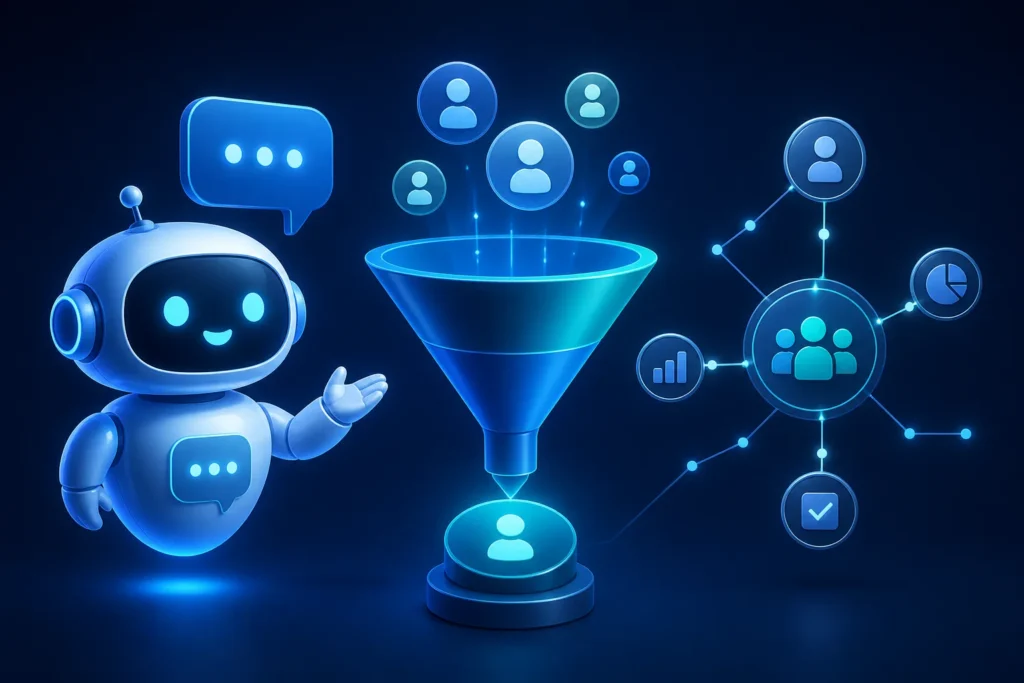
Lead scoring can tag people according to their answers and map those results to your marketing-qualified lead and sales-qualified lead definitions. A visitor with a high budget and urgent timeline can become a “hot lead,” while someone still browsing can enter a nurturing segment.
Route sales-ready leads to the appropriate sales representative with conversation history and buyer context. Keep cold or unqualified leads in the CRM for later nurturing and retargeting rather than discarding them. Follow-up can include a booking link, personalized recommendations, messages, or meeting scheduling.
How to Build a Chatbot That Captures and Qualifies Leads should include a human handoff for complex questions because chatbots may not complete the final sales steps. How to Build a Chatbot That Captures and Qualifies Leads should also define what happens when someone asks for a person; the chatbot should pass that conversation to customer support. Calibrate scoring against actual sales outcomes and check for bias as operating practices, but no measured calibration method or bias result is available in the ledger.

What does an effective chatbot conversation for capturing and qualifying a lead look like?
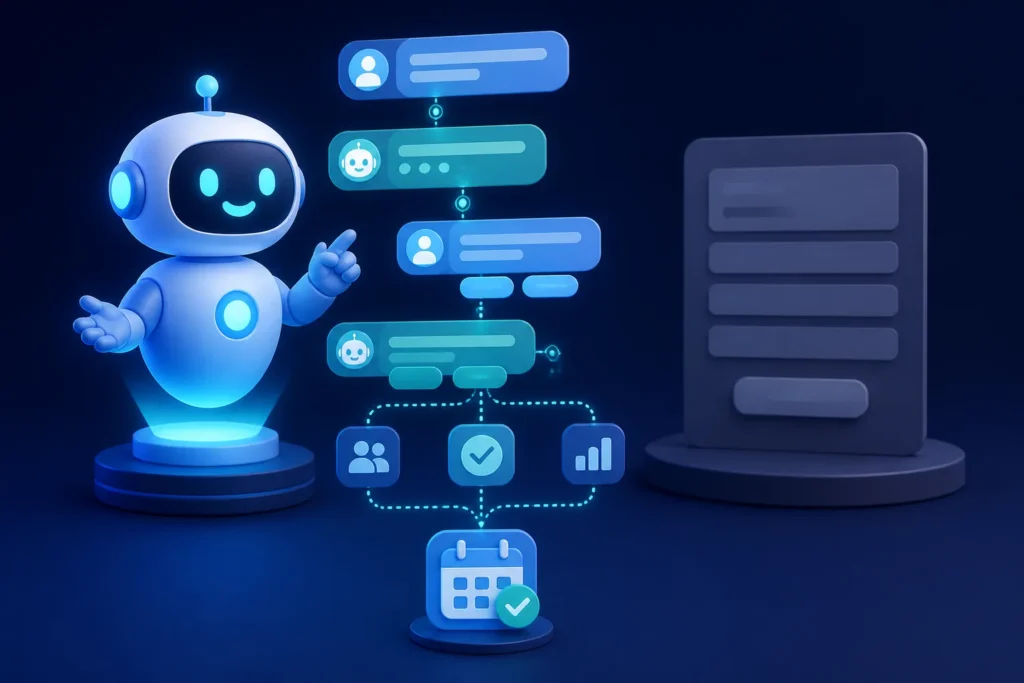
A decision-tree chatbot sends visitors along predetermined paths by letting them click options. A concise opening can state the purpose: “I can help identify the right next step.” The flow can then ask what problem the visitor needs to solve, when they want to act, and who makes the decision before routing according to the answers.
For a keyword-triggered flow, capture contact information before handoff; those flows use set messages, unlike freeform generative AI conversations. A lead who answers at least two questions, has a near-term timeline, and clicks the link can go immediately to a seller or booking link. If an answer is misunderstood or confidence is low, offer a retry, a simple option, or human support. A chatbot should pass the conversation to customer support when the customer wants a human.
How to Build a Chatbot That Captures and Qualifies Leads can start with a no-code builder for a simple branch. How to Build a Chatbot That Captures and Qualifies Leads may instead require custom AI chatbot development when freeform conversations or knowledge systems are central. Use How to Build a Chatbot That Captures and Qualifies Leads as the project brief AI Build Desk can help you assess, without assuming one provider fits every case.

| Product or plan | Listed price |
|---|---|
| CreatorFlow | CreatorFlow starts free for DMs per month and charges $15 per month for… |
| ManyChat generative AI features | ManyChat’s generative AI features start at $39 per month for 2,500 contacts, or… |
| Collect.chat | Collect.chat offers a free account for up to responses per month and paid… |
| Acobot | Acobot charges 0.6% of total sales driven by the chatbot and has no monthly or… |
| Flow XO | Flow XO’s listed paid plans cost $19 per month, $29 per month with five bots… |
| ChatBot | The article says ChatBot offers a 14-day free account and paid packages starting… |
| Instabot | Instabot’s listed monthly plans are $49 for Base, $149 for Standard, and $349… |
| Kommunicate Starter | Kommunicate Starter plans start at $34 and support chatbots deployed on web and… |
| HubSpot Chatbot Builder | HubSpot Chatbot Builder is included in HubSpot CRM plans starting with a free… |
| Drift Premium | Drift’s Premium plan costs $2,500 per month. |
| Amazon Lex | Amazon Lex charges approximately $0.004 per text request and $0.004 per voice… |
| ManyChat Pro | ManyChat’s Pro plan costs $15 per month, and its free plan covers up to 1,000… |
| Product or plan | Listed price or limit |
|---|---|
| CreatorFlow | Free for DMs per month; $15 per month for gating and analytics |
| ManyChat generative AI | From $39 per month for 2,500 contacts, or $29 per month when billed annually |
| Collect.chat | Free for up to responses per month; paid plans are $24, $49, and $99 per month |
| Acobot | 0.6% of total sales driven by the chatbot; no monthly or recurring charge stated |
| Flow XO | $19 per month; $29 per month with five bots; $44 per month with 25,000 collaborations |
| ChatBot | 14-day free account; paid packages from $50 per month |
| Instabot | $49 Base, $149 Standard, and $349 Advanced per month; custom Enterprise pricing |
| Kommunicate Starter | Plans start at $34 and support web and WhatsApp deployment |
| HubSpot Chatbot Builder | Included in HubSpot CRM plans starting with a free tier; advanced routing and custom integrations are available in paid plans |
| Drift Premium | $2,500 per month |
| Amazon Lex | Approximately $0.004 per text request and $0.004 per voice request |
| ManyChat Pro | $15 per month; free plan covers up to 1,000 contacts |
Key Takeaways
- Set one measurable chatbot goal before writing messages, such as booking qualified demos.
- Map chatbot fields to CRM fields and test synchronization before launch.
- Use concise BANT-based questions about need, budget, authority, and timeline.
- Route sales-ready leads with conversation history and buyer context, while retaining unqualified leads for nurturing.
- Review drop-offs, test welcome messages, and refine the flow after publishing.
Frequently Asked Questions
Can I make my own AI chat bot?
Yes. No-code builders can create a chatbot with drag-and-drop interfaces and conditional logic, while custom AI development is an option for projects requiring more than a basic flow.
Can you legally marry a chatbot?
The provided material doesn't address whether someone can legally marry a chatbot. Legal advice would require information about the relevant jurisdiction and circumstances.
How to use AI to create leads?
You can use a lead-generation chatbot to collect contact details, ask qualifying questions, score answers, and route leads to sales or follow-up sequences.
Can you give me an example of a chatbot?
A simple example is a decision-tree chatbot that asks about a visitor’s need, timeline, and decision-maker, then routes the visitor to sales, a booking link, or more questions.