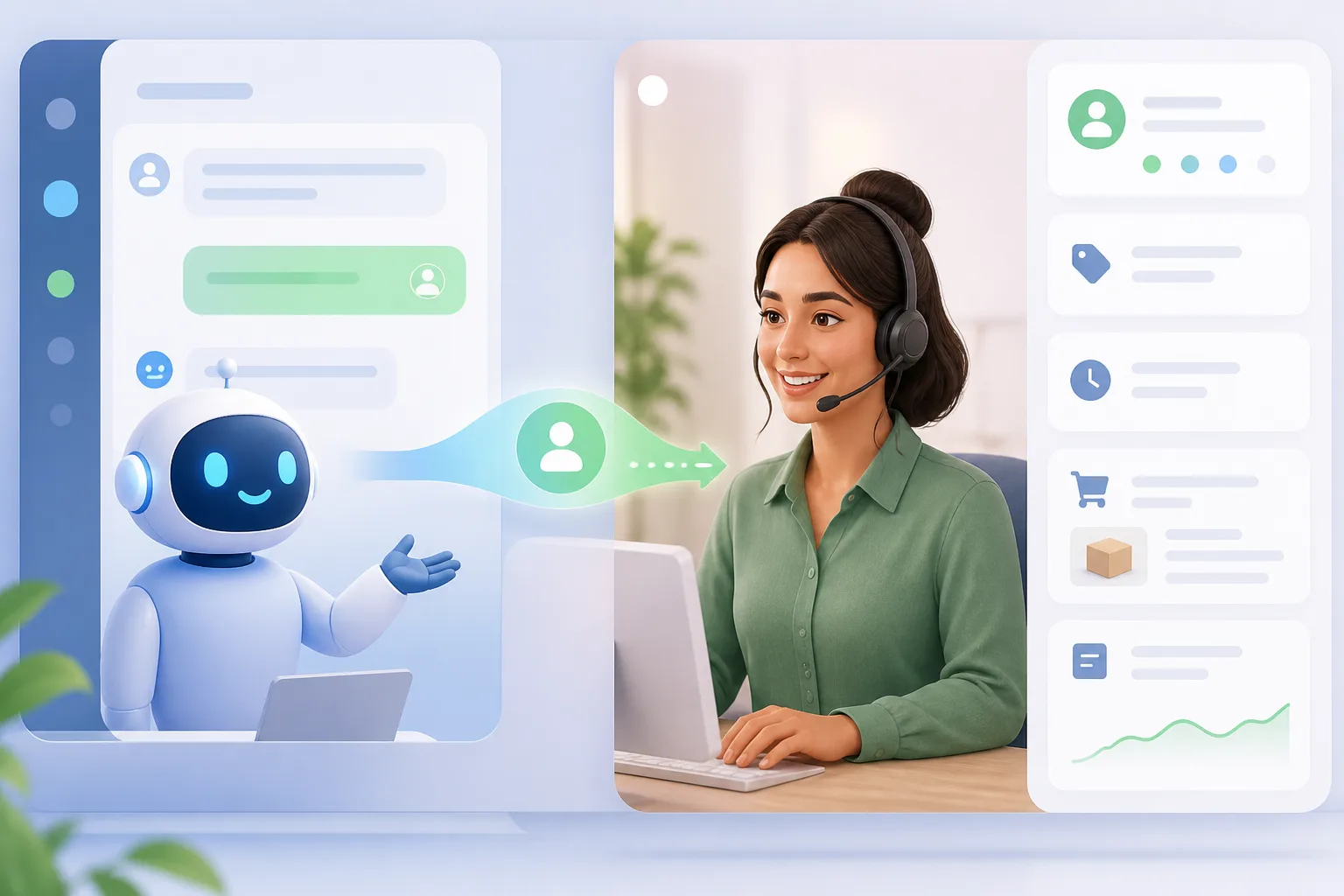
How to Build a Customer Support Bot That Doesn't Annoy Customers means automating predictable requests for customers, grounding the bot in business knowledge, integrating CRM and ticket data, and preserving human-agent handoff. An/20 model can automate simple queries while sending complex cases to humans with full context. Test accuracy, tone, escalation, and resolution before broad deployment.
- A Gartner survey reported that 64% of consumers would rather companies did not use AI in customer service, while 70% responded positively when AI handled order tracking, FAQs, and scheduling.
- A pilot can begin by auditing tickets and identifying the patterns that make up 60% of volume.
- Off-the-shelf chatbot costs are stated as $0–$300 per month, while custom CRM-integrated builds cost $8,000–$30,000 one-time.
- Automated resolution rate and automated versus manual first-response time are recommended metrics, with a 30–50% benchmark for mature setups.
What features distinguish a useful customer support bot from one that frustrates customers?
A useful customer support bot handles predictable requests while leaving complex or emotional issues to human agents. How to Build a Customer Support Bot That Doesn't Annoy Customers starts with restraint: a Gartner survey reported that 64% of consumers would rather companies did not use AI in customer service, while 70% responded positively when AI handled order tracking, FAQs, and scheduling.
A user-initiated chat widget is generally preferable to a proactive chat pop-up that opens automatically after three seconds, because the pop-up can interrupt someone who is reading. A visible button that customers open when they want help is the recommended alternative. How to Build a Customer Support Bot That Doesn't Annoy Customers also means recognizing intent, understanding natural language, analyzing sentiment, remembering context, and responding with more than keyword matches.
The first meaningful action matters more than merely deflecting a ticket. How to Build a Customer Support Bot That Doesn't Annoy Customers therefore means using automation where the next step is clear and transferring the conversation when the situation needs judgment or empathy.

Which customer support requests are safe to automate, and which should go straight to a human?
Safe starting points for customer support automation include FAQ automation, order-status tracking, password resets, return initiation, appointment booking, ticket routing, feedback collection, and after-hours support. How to Build a Customer Support Bot That Doesn't Annoy Customers means selecting requests with clear inputs, predictable answers, and limited downside when the policy is followed.
Billing disputes, investigative bug reports, cancellations, emotionally sensitive conversations, high-value customer interactions, and requests requiring nuanced judgment should go to a human. Emotional moments, custom decisions, and requests carrying liability also warrant human handling.
Use the proposed/20 model as a planning principle: automate simple queries and give humans the complex cases with full context. Automation may be unsuitable when volume is low, queries vary widely, mistakes are costly, or information is outdated. The available evidence does not establish a separate rule for pricing inquiries, so evaluate them by complexity, risk, and policy clarity. How to Build a Customer Support Bot That Doesn't Annoy Customers is a decision framework, not a reason to automate every request.
What knowledge sources, customer data, and software integrations does a support bot need to resolve requests accurately?
Knowledge-base grounding gives an AI customer-service chatbot the material it needs to answer consistently. How to Build a Customer Support Bot That Doesn't Annoy Customers should begin with product documents, FAQs, return policies, shipping rules, tone-of-voice samples, help articles, resolved tickets, and a written brand voice guide; one recommendation specifies help articles and resolved tickets.
Business-specific policies, product specifications, catalog data, stock information, and inventory lookup make answers more specific. A documentation site, semantic-search vector database, or RAG system over documentation can provide relevant information for accurate answers. How to Build a Customer Support Bot That Doesn't Annoy Customers also requires customer-data integrations: CRM, ecommerce, booking, and ticketing systems can provide order, account, shipment, and tracking information.
Without access to order, account, or history data, the bot cannot provide customer-specific context. Omnichannel systems can unify email, live chat, phone, messaging apps, and social channels, while preserved context helps customers avoid repeating themselves. Assign ownership for cleanup and freshness because outdated or inconsistent documents can produce poor answers.

How to Build a Customer Support Bot That Doesn't Annoy Customers
Building a support bot should start with evidence from your existing queue, not a broad automation promise. How to Build a Customer Support Bot That Doesn't Annoy Customers begins with an audit of the last tickets, identification of the patterns making up 60% of volume, and selection of one narrow pilot use case.
Use real transcripts, customer feedback, FAQ variations, and product specifications to create training and evaluation examples rather than invented phrasing. Test the last complex tickets, score accuracy and tone from to 5, and fix results below before launch. How to Build a Customer Support Bot That Doesn't Annoy Customers should include held-out data that was not used for training, end-to-end conversations with real users, and a small customer beta before broad deployment.
Before launch, define scope limits, set a minimum confidence score, ask for clarification when confidence is low, and refuse to guess. AI Build Desk provides a practical planning and development context for custom AI chatbots, RAG knowledge systems, GPT and Claude integrations, and AI-powered websites; no specific outcome is established here.

How should you compare a hosted chatbot with building your own, including setup costs and ongoing maintenance?
Hosted and custom customer support bots differ in cost, control, integrations, and maintenance. How to Build a Customer Support Bot That Doesn't Annoy Customers requires comparing the table below with the complexity of your use case: off-the-shelf chatbot pricing is stated as $0–$300 per month, while a custom CRM-integrated build is stated as $8,000–$30,000 one-time. Optional maintenance for the custom support systems is $500–$2,500 CAD per month.
Simple SaaS customer-service deployments can cost a few hundred to a few thousand dollars per month, while complex enterprise builds can require six figures in initial development plus maintenance. The ledger does not provide a complete total-cost-of-ownership comparison for every hosted or custom option.
Rule-based chatbots use decision trees and have limited functionality; AI-based chatbots use machine learning to learn and optimize over time. A staged approach recommends starting with rules and adding AI as inquiry volume grows. How to Build a Customer Support Bot That Doesn't Annoy Customers also means checking CRM, ticketing, website-chat, reporting, omnichannel, and knowledge-base integrations rather than choosing on price alone.

What safeguards prevent incorrect answers, privacy leaks, and dead-end conversations, and when should the bot hand off to a human?
A safe customer support bot needs a visible human-agent handoff on every screen and in every response. How to Build a Customer Support Bot That Doesn't Annoy Customers means providing a one-click escalation path, an unsuccessful-help trigger, an email fallback, and a visible phone option. The bot should disclose that it is automated and tell customers they can request a person.
For unknown questions, the chatbot fallback should admit uncertainty, ask for clarification when confidence is low, avoid guessing, and route the conversation with full context. Handoff should occur after no more than two failed attempts, and also when the customer asks for a person, repeated failures occur, negative sentiment appears, or the topic is unauthorized.
Controlled access to account data is the available privacy safeguard; the evidence does not specify a universal security standard for every chatbot. Chatling states that it is GDPR-compliant, but that claim should not be generalized to other tools. Conversation context transfer lets a human receive the prior exchange instead of restarting the interaction. How to Build a Customer Support Bot That Doesn't Annoy Customers therefore treats escalation as part of the experience, not a failure.
Which metrics can show whether the bot resolves issues without increasing customer effort or repeat contacts?
Resolution rate without human assistance is a stronger primary measure than conversation count, because a conversation ending does not prove that the issue was resolved. How to Build a Customer Support Bot That Doesn't Annoy Customers means checking whether support-ticket deflection reduces effort rather than simply reducing visible agent workload.
Track repeated questions reaching the support team, escalation rate, CSAT for automated and human conversations, automated versus manual first-response time, and self-service deflection. Measure chat abandonment rate by counting people who open a chat and leave without typing. Conversation count should not be the main success metric because it can rise when the bot annoys customers.
Use customer satisfaction scores, response time, resolution times, backlog, NPS, and end-of-ticket feedback as supporting measures. How to Build a Customer Support Bot That Doesn't Annoy Customers also benefits from operational logs: chat IDs can group messages into sessions, while reporting tools can visualize message activity.


| Cost option | Stated cost |
|---|---|
| off-the-shelf chatbot | $0–$300 per month |
| custom CRM-integrated build | $8,000–$30,000 one-time |
| optional maintenance for its custom support systems | $500–$2,500 CAD per month |
| Simple SaaS customer-service deployments | a few hundred to a few thousand dollars per month |
| complex enterprise builds | six figures in initial development plus maintenance |
| Analytics capability | Stated metrics or outcomes |
|---|---|
| conversation analysis | which responses lead to happy customers versus escalations |
| Drift’s conversation AI | CSAT score, deflection rate, and time-to-time resolution |
| automated customer service | automated resolution rate, with a 30–50% benchmark for mature setups, and… |
| analytics | resolution times, CSAT scores, agent performance, and ticket backlog |
| success metrics | customer satisfaction scores (CSAT) and response time |
| Option | Stated cost | Description |
|---|---|---|
| Off-the-shelf chatbot | $0–$300 per month | Hosted option; integration and feature scope must be checked |
| Custom CRM-integrated build | $8,000–$30,000 one-time | Custom integration; optional maintenance is $500–$2,500 CAD per month |
| Simple SaaS deployment | A few hundred to a few thousand dollars per month | Hosted deployment |
| Complex enterprise build | Six figures in initial development plus maintenance | Custom enterprise deployment |
Key Takeaways
- Start with narrow, predictable requests such as FAQs, order status, password resets, returns, and appointment booking.
- Ground answers in current business documents, policies, product data, inventory, and resolved support conversations.
- Give customers a visible person-to-person escalation path and transfer the full conversation context.
- Judge success by resolution, repeat contacts, CSAT, response time, escalation, and abandonment—not conversation volume alone.
Frequently Asked Questions
How to build a customer support chatbot?
Build a customer support chatbot around a narrow, predictable use case, grounded in real support content and connected to the systems that hold customer data. Test it on held-out examples and real-user conversations before broad deployment.
What are things I should avoid discussing with a chatbot?
Avoid billing disputes, investigative bug reports, cancellation requests, emotionally sensitive conversations, and requests requiring nuanced judgment. These cases are recommended for human handling.
Which chatbot is best for customer service?
No single best chatbot is established by the available evidence. Compare tools by their CRM, ticketing, website-chat, reporting, omnichannel, and knowledge-base integrations rather than price alone.
Can I build my own AI chatbot?
Yes, you can build your own AI chatbot, including a custom CRM-integrated support system. The stated one-time cost for such a build is $8,000–$30,000, with optional maintenance of $500–$2,500 CAD per month.