

TL;DR: A WhatsApp AI chatbot for business uses automated software to respond through WhatsApp’s chat interface, with AI answering customer questions from business information rather than following only scripted paths. You can connect it through a provider or Meta’s Cloud API. Check the number first: a WhatsApp Business number can be connected to only one platform at a time.
- A WhatsApp chatbot is automated software that simulates conversation through WhatsApp’s chat interface.
- The WhatsApp Business app has no API access for connecting an AI chatbot or a business’s own systems.
- A WhatsApp Business number can be connected to only one platform at a time.
- The described setup includes grounding the assistant in a knowledge base and connecting live actions such as order status or bookings.
- API business-initiated messages use approved templates, according to the cited source.
What is a WhatsApp AI chatbot for business, and how does it differ from the WhatsApp Business app’s built-in automation?
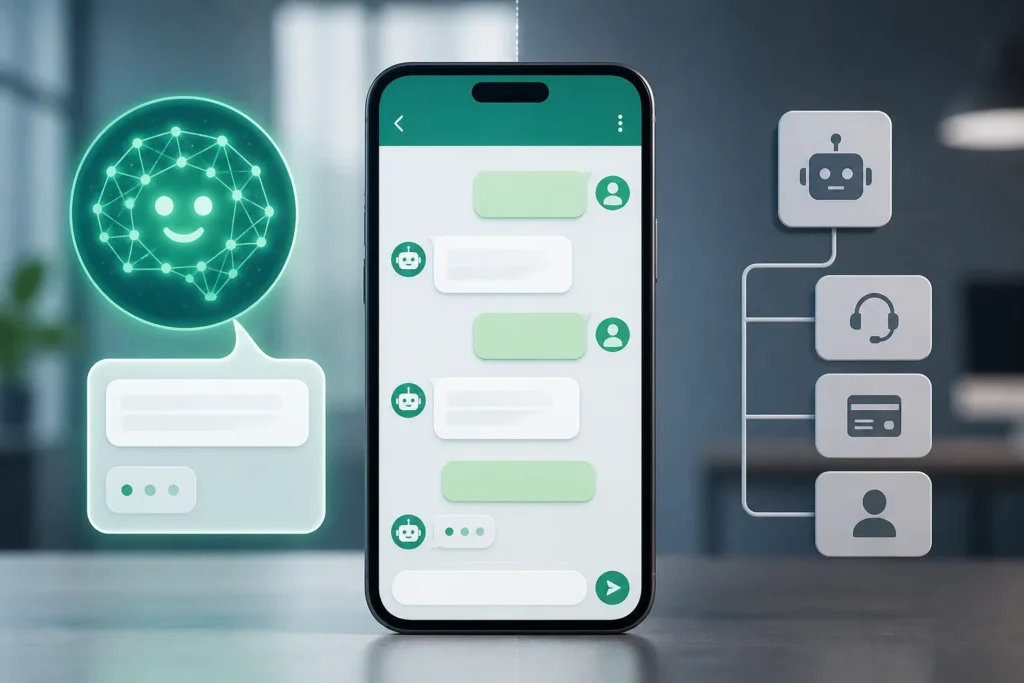
A WhatsApp chatbot is automated software that simulates conversation through WhatsApp’s chat interface. The title “WhatsApp AI chatbot for business” describes a setup topic, not a single product. A rule-based chatbot follows scripted paths, while an AI chatbot can respond to the customer’s actual question using business information.
The WhatsApp Business app offers greeting and away messages, quick replies, labels, and a catalogue. Those built-in tools are reactive automations, including saved replies; they aren’t the same as an AI system composing natural-language answers from business information. In a WhatsApp AI chatbot project, choose whether you need scripted responses or answers grounded in your information. The phrase “WhatsApp AI chatbot for business” also captures the distinction: app automation handles prepared actions, while the described AI approach addresses customer questions.
Get chatbot development quotes
What to take from this
- Choose the WhatsApp Business app for its built-in reactive tools, or use an API route when you need an AI chatbot connection.
- Check whether the WhatsApp Business number is already connected to another platform before setup.
- Ground the assistant in business knowledge, test realistic customer questions, and revise weak answers before launch.
- Confirm current messaging charges and provider fees before budgeting; the available claims don’t give current rates.
- Plan for opt-in and approved templates for API business-initiated messages.
- Launch your WhatsApp AI chatbot with a small set of tested replies, then add flows once real customer questions come in.
Should a business use the WhatsApp Business app or the WhatsApp Business Platform/API to run an AI chatbot?
The WhatsApp Business app is a free mobile app for small businesses, while the Platform/API is described as supporting chatbots, CRM and help-desk integrations, and shared team use. The app has no API access for connecting an AI chatbot or a business’s own systems. The comparison table below distinguishes the app, a provider-connected route, and a direct API build.
| Route | Setup and use | Team and integrations | Pricing information available |
|---|---|---|---|
| WhatsApp Business app | Free mobile app with built-in tools | No API access for chatbot or business-system connections | App is described as free |
| Provider platform connected to the API | Provider connects the business to the API | Platform supports chatbots, integrations, and team workflows | Provider fees aren’t specified |
| Direct API build | Programmatic backend accessed through code | Integration depends on the build | Build cost isn’t specified |
A Business Solution Provider is described as an API hub that covers infrastructure requirements. Businesses can also access the Platform through Meta’s Cloud API. “WhatsApp AI chatbot for business” is a useful way to frame this choice: the app’s reactive tools are not an API connection. Compare the routes in the table before choosing a business chatbot approach; the same title also describes the decision between provider and direct access.
What accounts, phone number, permissions, and software are needed to set up a WhatsApp AI chatbot?
A WhatsApp Business Account registration requires a unique phone number. Before you plan a WhatsApp AI chatbot setup, check whether that number is already connected elsewhere: a WhatsApp Business number can be connected to only one platform at a time, so an existing connection may need to be disconnected first.
The stated connection routes are a provider or Meta’s Cloud API. Those claims identify the number and connection route, but don’t provide a complete technical checklist. The ledger doesn’t specify the required account permissions, the phone-number verification procedure, or all software you’ll need. It also doesn’t give a step-by-step account setup process, so don’t treat the “WhatsApp AI chatbot for business” title as a substitute for those missing instructions. Confirm the exact account access and software requirements for the route you select before building; the available claims don’t settle them.
Browse vetted chatbot development pros
WhatsApp AI Chatbot for Business: How to Set It Up Step by Step?
A practical WhatsApp bot sequence is to build and test the assistant before connecting it to WhatsApp. The listed setup steps support this order, but the ledger doesn’t include a detailed Business Manager, verification, or webhook walkthrough.
- Build the assistant, then connect WhatsApp through a provider or Meta’s Cloud API.
- Add knowledge-base grounding and connect live actions for tasks such as checking order status or handling bookings.
- Test realistic customer questions in a playground; revise the instructions and knowledge when answers are wrong.
- Configure human-takeover rules and a unified inbox so the team can continue conversations.
The API onboarding flow described in the ledger includes a Getting Started page with tips and the ability to send test messages. Keep a WhatsApp AI chatbot plan focused on those supported steps, and verify any missing account or webhook instructions separately. Testing before launch is part of the described process, not a guarantee that every customer question will be answered correctly.
How much does a WhatsApp AI chatbot cost, and which setup options are free?
The total price of a WhatsApp bot setup can’t be calculated from the available claims: no current rates, provider fees, or complete monthly cost are supplied. Some no-code platforms may offer a free start or trial, and prices vary by platform and message volume.
The ledger contains different descriptions of WhatsApp charges. One source reports a monthly allowance of 1,000 free conversations per account and conversation-based charges that vary by conversation type and the customer’s country code. Other claims describe charges per delivered template message, with the price depending on country and message category, and free replies within the 24-hour customer-service window.
Another source reports that service conversations have been free since November 1, 2024, and that per-message billing took effect July 1, 2025. These descriptions don’t provide current rates. For a WhatsApp AI chatbot budget, treat build costs, provider fees, and monthly running costs as unknown from the available claims—not as a quote or estimate.
Find chatbot development freelancers
What WhatsApp policies and privacy requirements must businesses follow, and what can cause a chatbot number to be restricted?
WhatsApp API business-initiated messages are subject to opt-in and approved-template conditions in the cited claims. For a WhatsApp bot launch, distinguish customer-initiated replies from outbound notifications: the ledger says replies inside the 24-hour customer-service window are free, but that pricing statement is not a complete policy summary.
One source makes a broad claim against using WhatsApp chatbots for marketing or promotional notifications. That claim alone doesn’t establish the current rules for every kind of business messaging, so don’t use it as a complete policy guide. The available claims also don’t specify privacy requirements, AI-model data handling, retention periods, access controls, or regional-law requirements. They don’t identify specific actions that trigger number restrictions either. Those points remain unknown here. Treat policy, privacy, and restriction checks as separate items in your WhatsApp AI chatbot planning; the supported information is limited to the cited opt-in, template, and service-window statements.
How can you build a custom WhatsApp chatbot instead of using a no-code chatbot platform?
A custom WhatsApp chatbot build means connecting the API, handling webhooks, writing logic with an SDK, and maintaining the system. That route requires engineering time and ongoing upkeep; the AI, knowledge, and human handoff still need to be built.
A no-code chatbot builder offers a different path: one source describes creating workflows with a visual drag-and-drop builder, presented as a way to build without hiring developers. The setup choice is therefore between managing the technical build and using a visual workflow tool—not between needing and not needing chatbot design. Either way, the described setup still includes grounding the assistant in business knowledge and configuring human takeover.
For a WhatsApp AI chatbot custom project, use the ledger-supported work as a scope outline: API connection, webhook handling, assistant logic, knowledge, handoff, and maintenance. The available claims don’t provide a build timeline, price, model choice, or recommended integration platform.
Video
Compare chatbot development gigs
| Option | Setup and automation | Integrations and team use | Pricing |
|---|---|---|---|
| WhatsApp Business app | includes greeting and away messages, quick replies, labels, and a catalogue as… | has no API access for connecting an AI chatbot or the business’s own systems. | free |
| WhatsApp Business Platform | — | connects to chatbots, helpdesks, booking tools, and order systems through… | Meta charges per delivered template message on the WhatsApp Business Platform… |
| Direct API build | requires engineers, time, and ongoing upkeep, with the AI, knowledge, and… | — | — |
| No-code chatbot builder | presented as a way to create bots without hiring developers. | WhatsApp chatbot integrations can connect CRMs, ERPs, and payment gateways. | many no-code platforms allow businesses to start free or with a trial. |
| Route | Setup and use | Team and integrations | Pricing information available |
|---|---|---|---|
| WhatsApp Business app | Free mobile app with built-in tools | No API access for chatbot or business-system connections | App described as free |
| Provider platform connected to the API | Provider connects the business to the API | Platform supports chatbots, integrations, and team workflows | Provider fees aren’t specified |
| Direct API build | Programmatic backend accessed through code | Integration depends on the build | Build cost isn’t specified |
Builder FAQ
How to create a WhatsApp Business chatbot?
Build the assistant, connect WhatsApp through a provider or Meta’s Cloud API, add business knowledge, test customer questions, and configure human takeover. The ledger doesn’t specify a full account-permissions or verification walkthrough.
Are WhatsApp bots illegal?
The available claims don’t establish whether WhatsApp bots are legal or illegal in every jurisdiction. They do report that recipients must opt in and that API business-initiated messages require approved templates.
Is WhatsApp AI chatbot free?
Some setup options may be free, but that doesn’t establish that the complete AI chatbot is free. The WhatsApp Business app is described as free, and some no-code platforms offer a free start or trial; platform prices vary.
How do I develop my own chatbot?
A direct build involves connecting the API, handling webhooks, writing logic with an SDK, and maintaining the system. It also requires engineering time and work on the AI, knowledge, and human handoff.
